top of page

FACS 343:
DIGITAL
DRAFTINGII
SKETCHUP
SHE-SHED
This project's objective was to create a she-shed that is accurate and proportional from inspiration that includes texture through the use of the push-pull tool in sketch in order for texture to appear on the 3D model
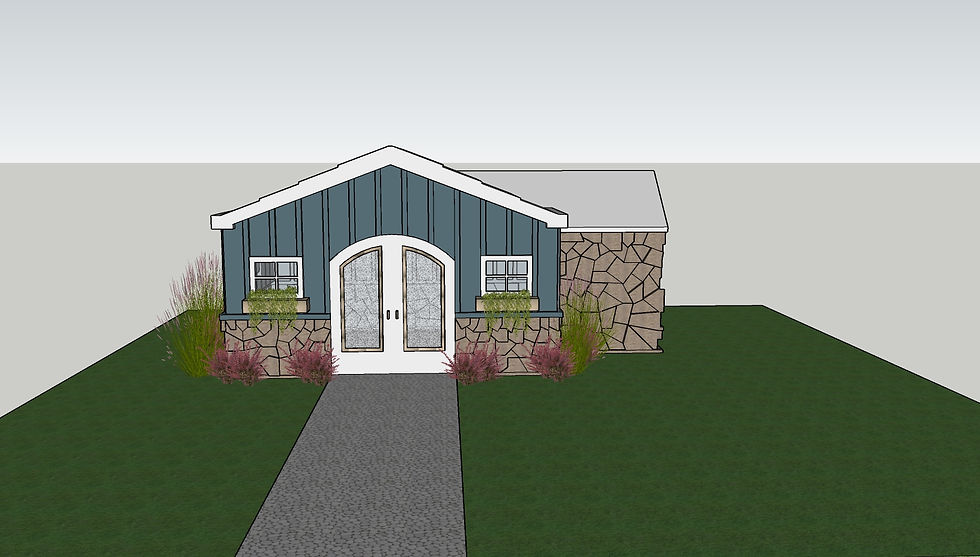
Rendering: Front
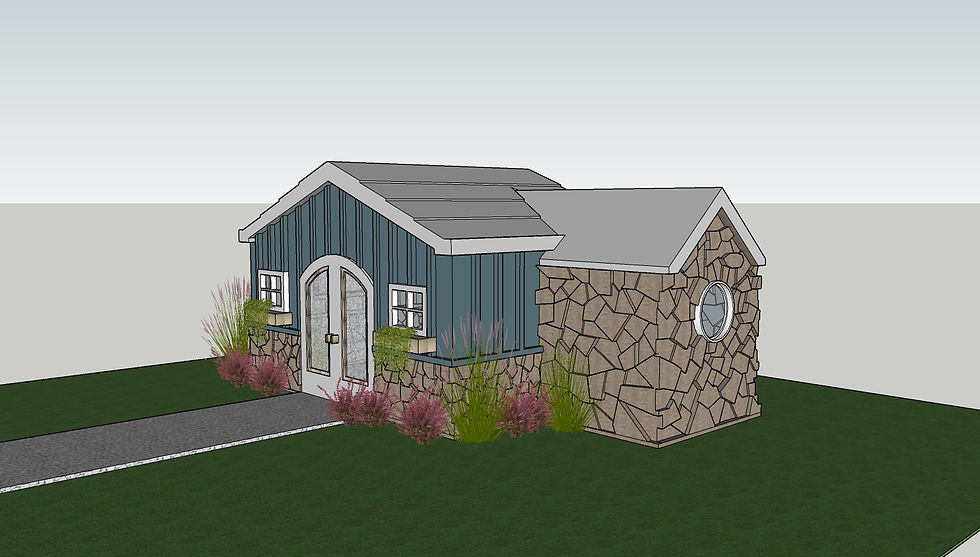
Rendering: Side Angle

Rendering: Right Side

Rendering: Back
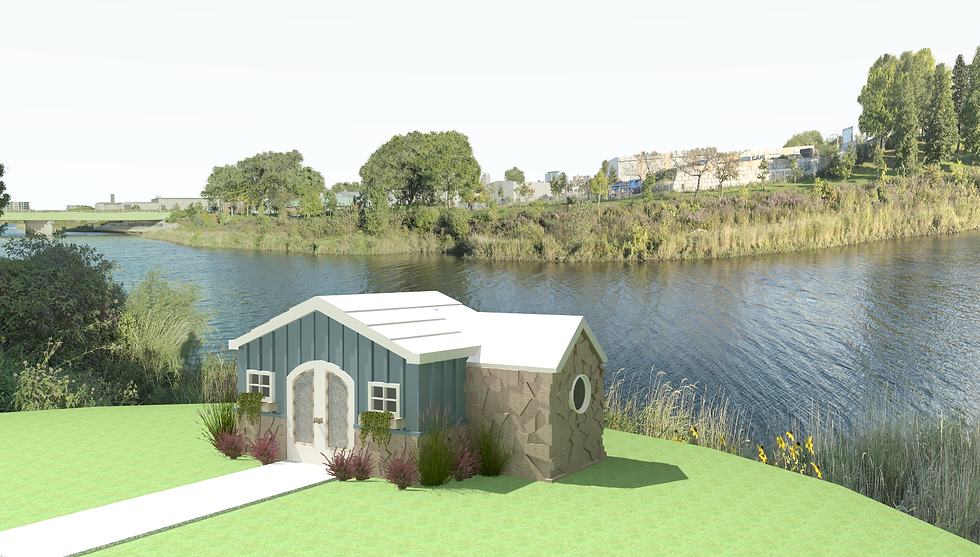
Podium Rendering 1
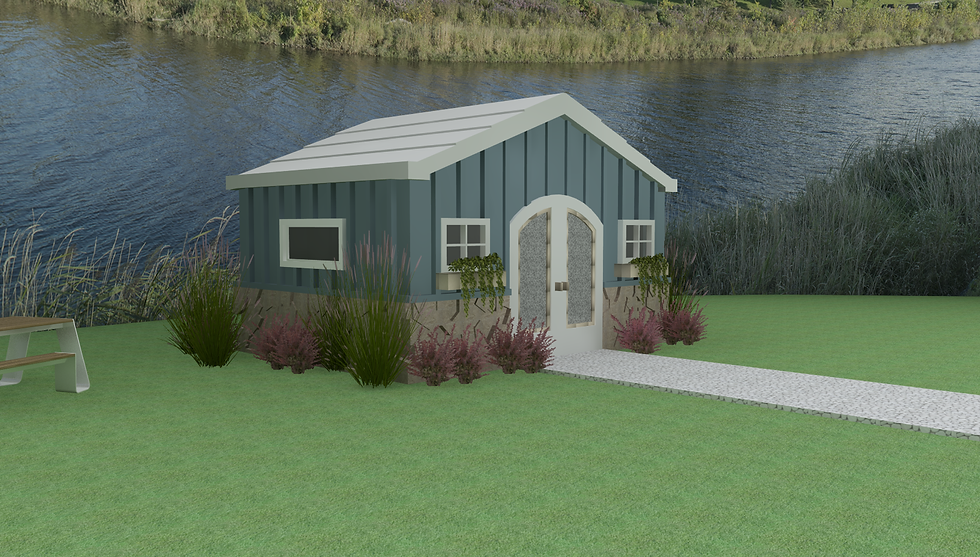
Podium Rendering 2

Podium Rendering 3
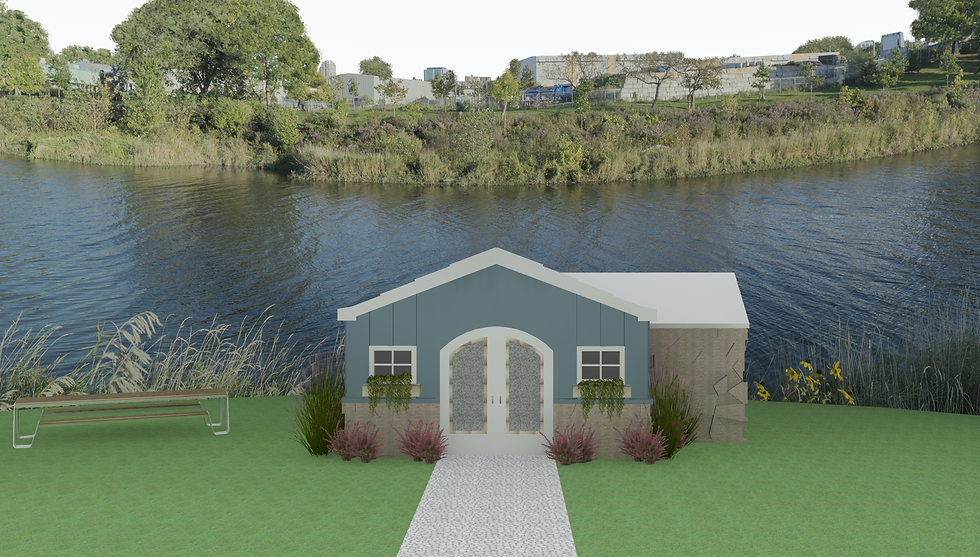
Podium Rendering 4
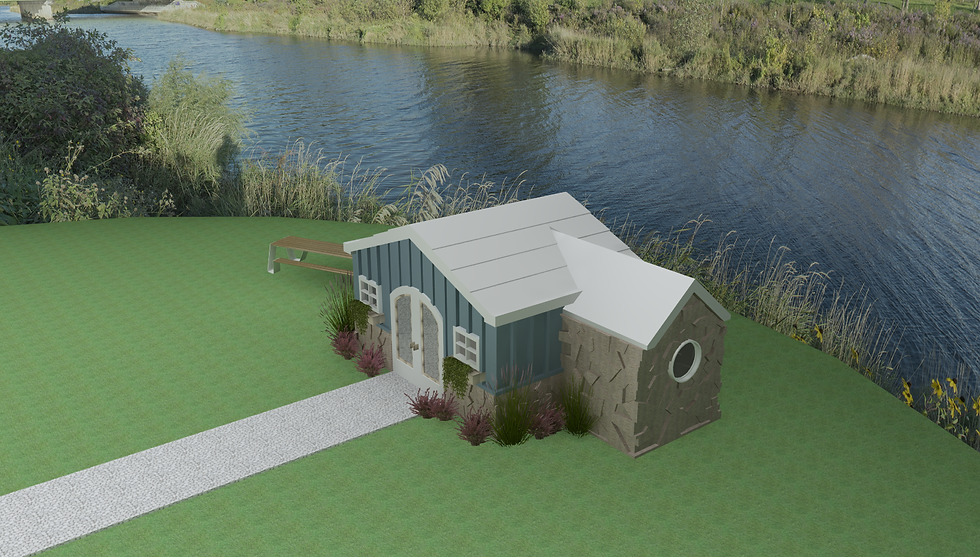
Podium Rendering 5
SKETCHUP
CHRISTMAS
ORNAMENT
The goal of this Sketchup project was to create an ornament using the push-pull tool and follow me tool.
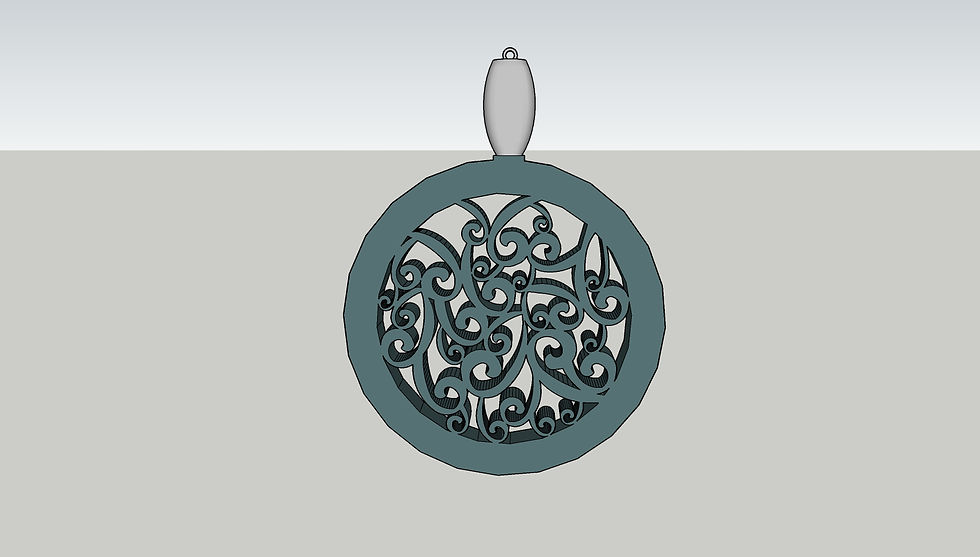
Rendering: Front
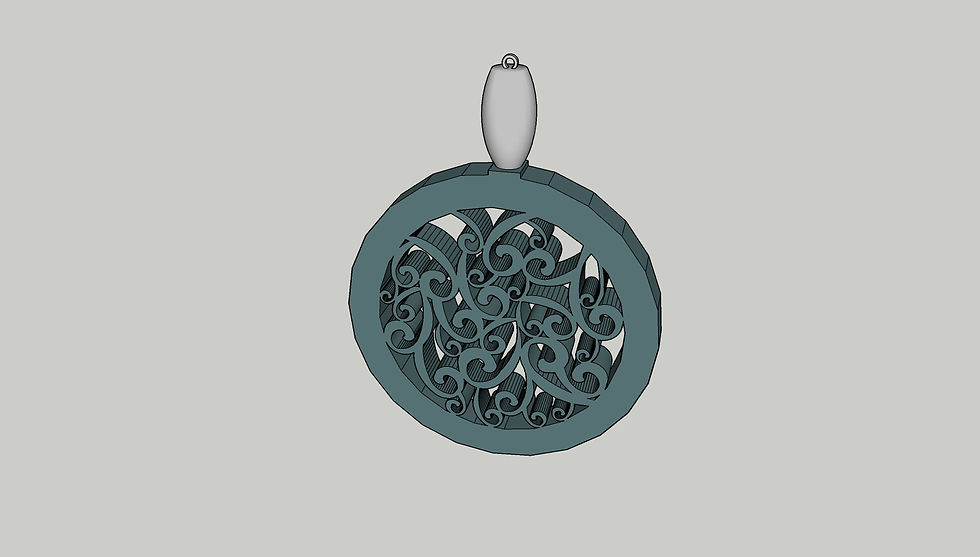
Rendering: Angle
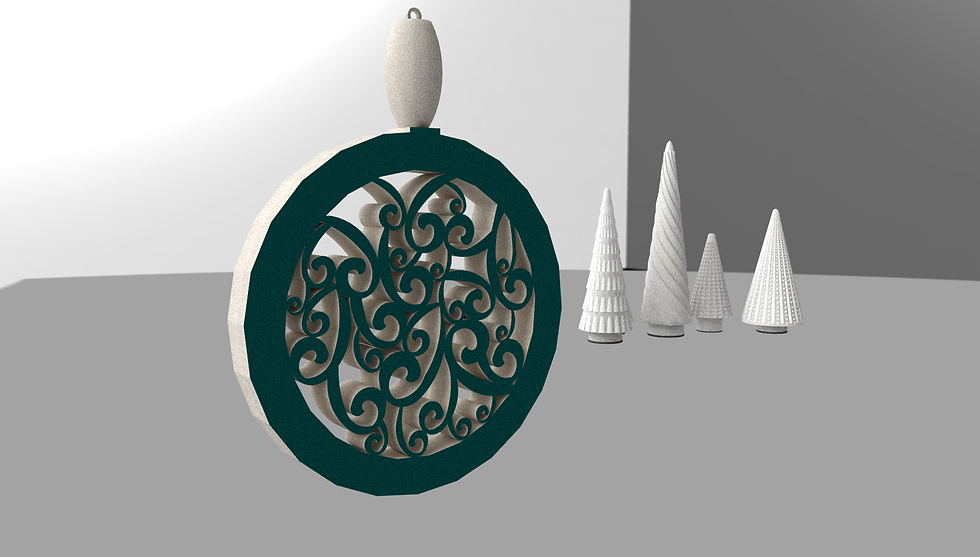
Podium Rendering 1
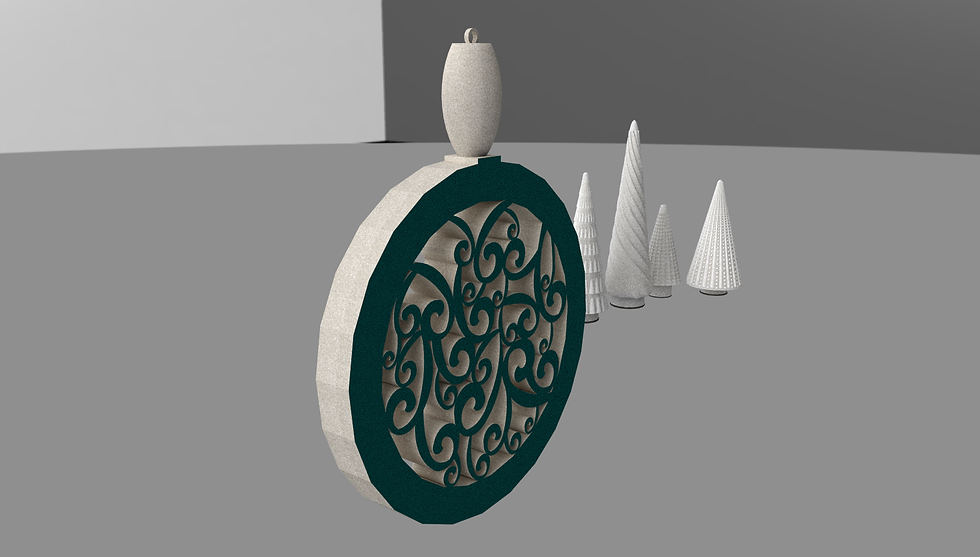
Podium Rendering 2
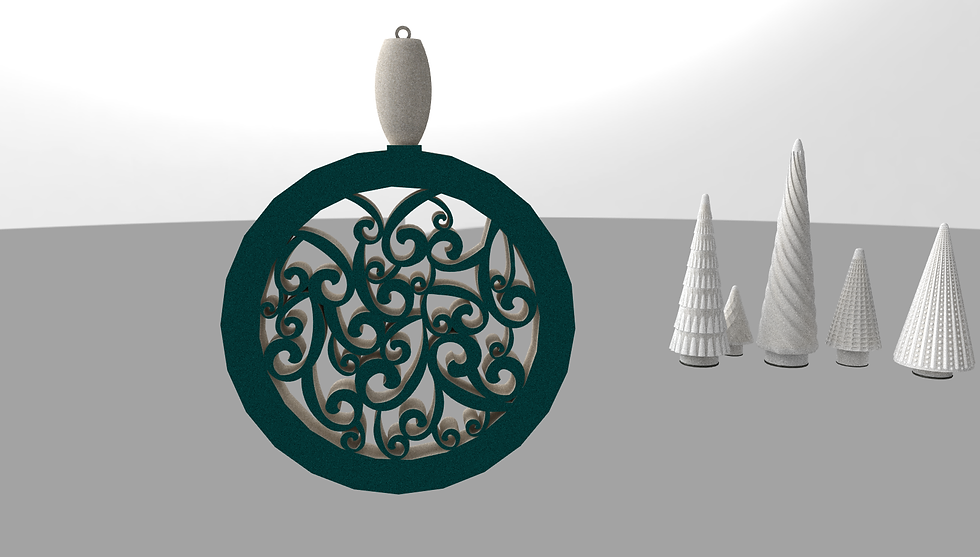
Podium Rendering 3
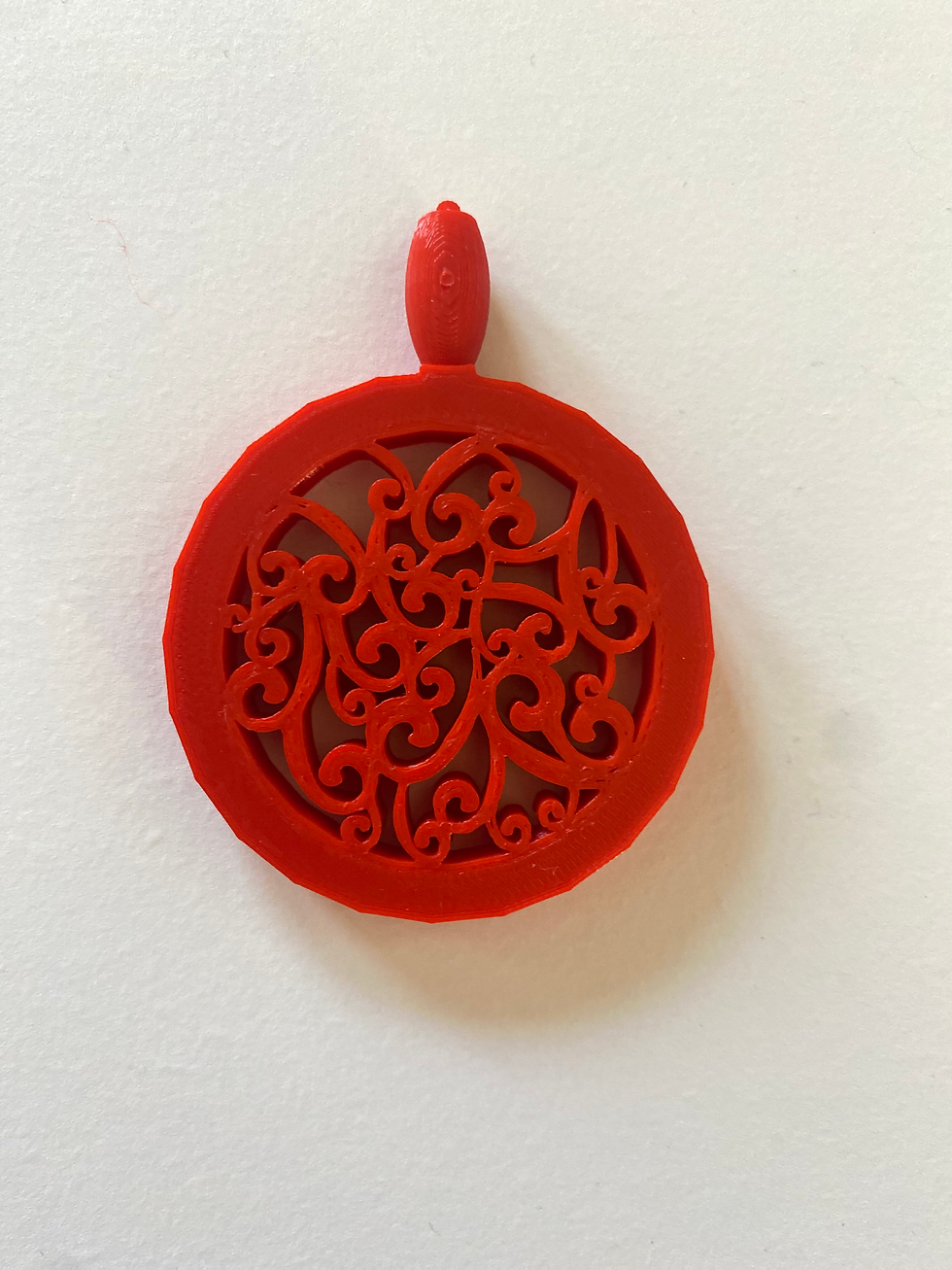
3D Printed Ornament: Front
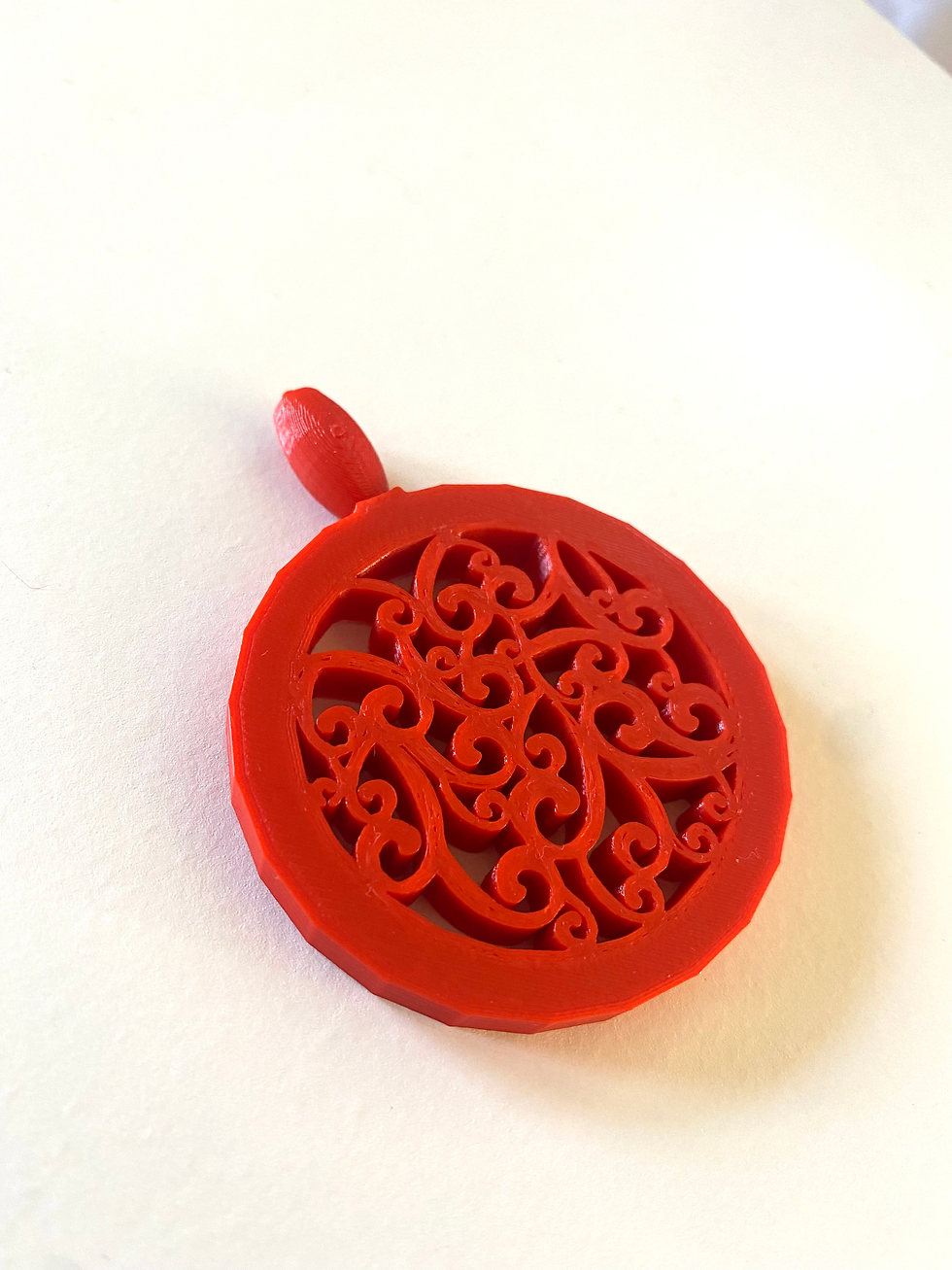
3D Printed Ornament
SKETCHUP
CHURCH
MODEL
Using a given AUTOCAD church floorpan and elevation, I was to create a 3D version of the church using Sketchup. This included the initial floor plan, millwork, and FF&E phases of the design process.
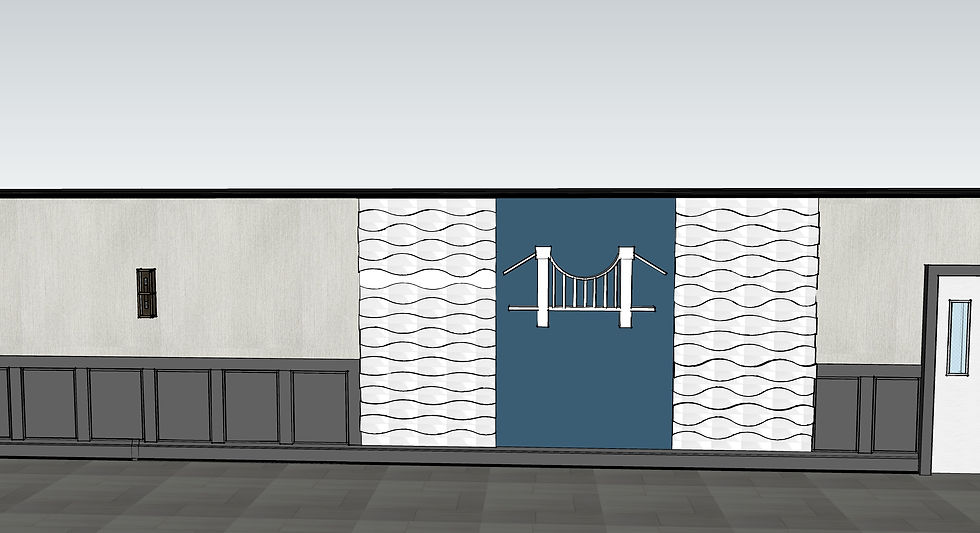
Lobby Rendering
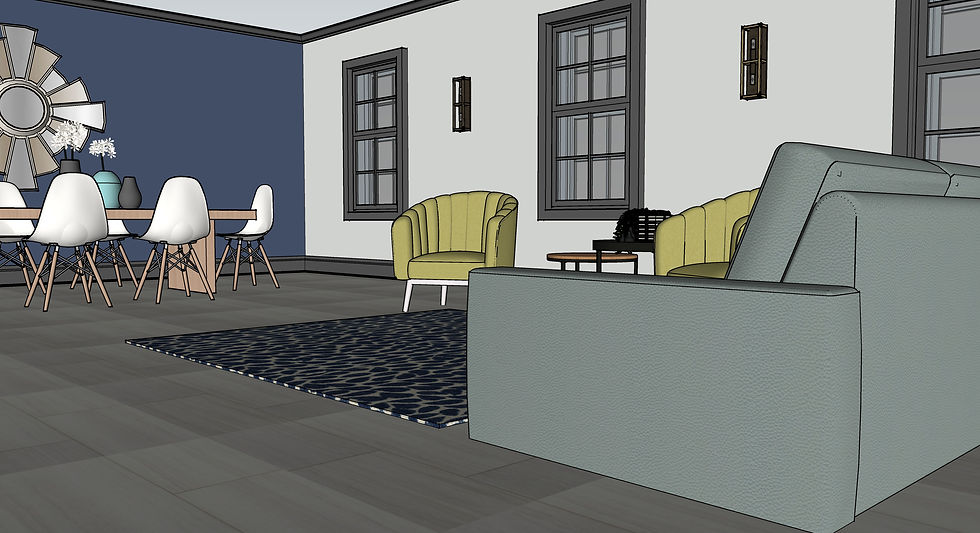
Lounge Rendering

Nursery Rendering
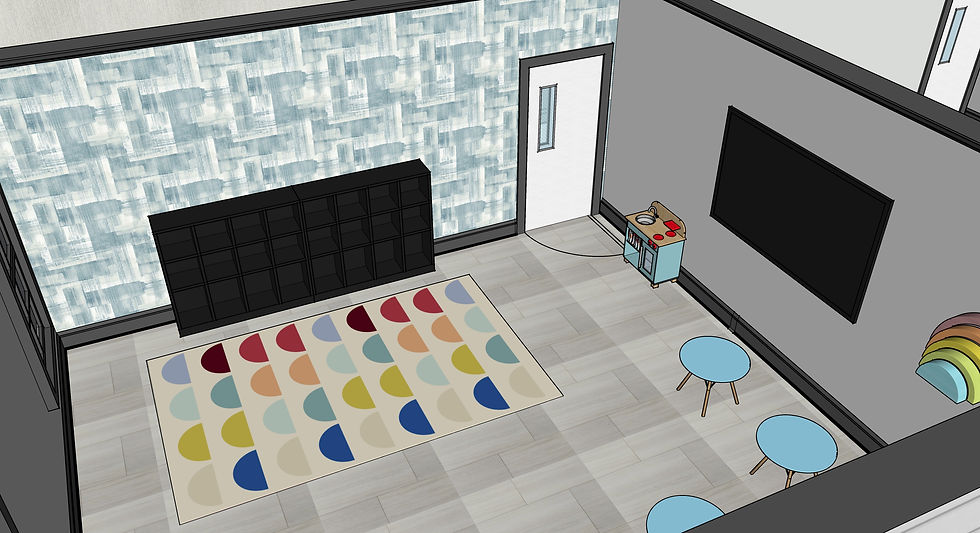
Children's Room
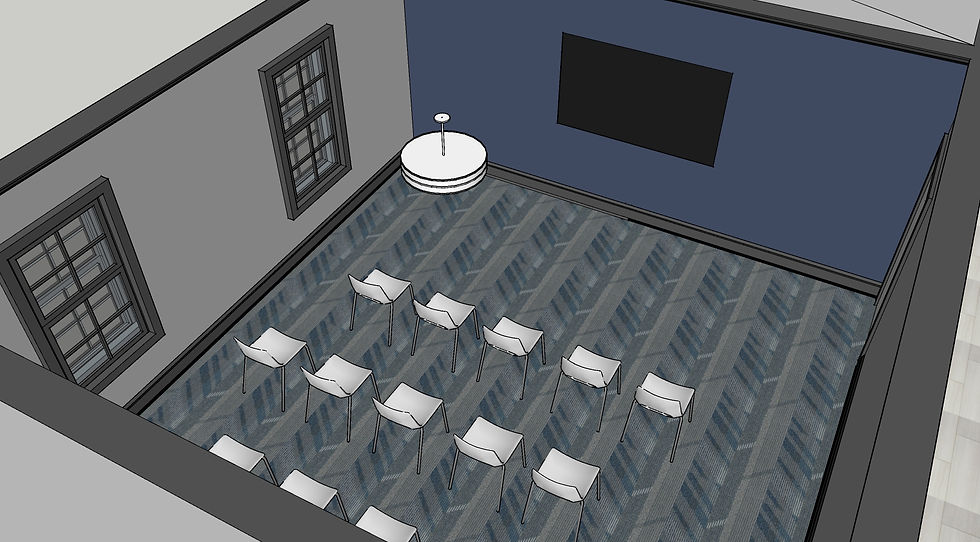
Classroom

Bathroom Rendering
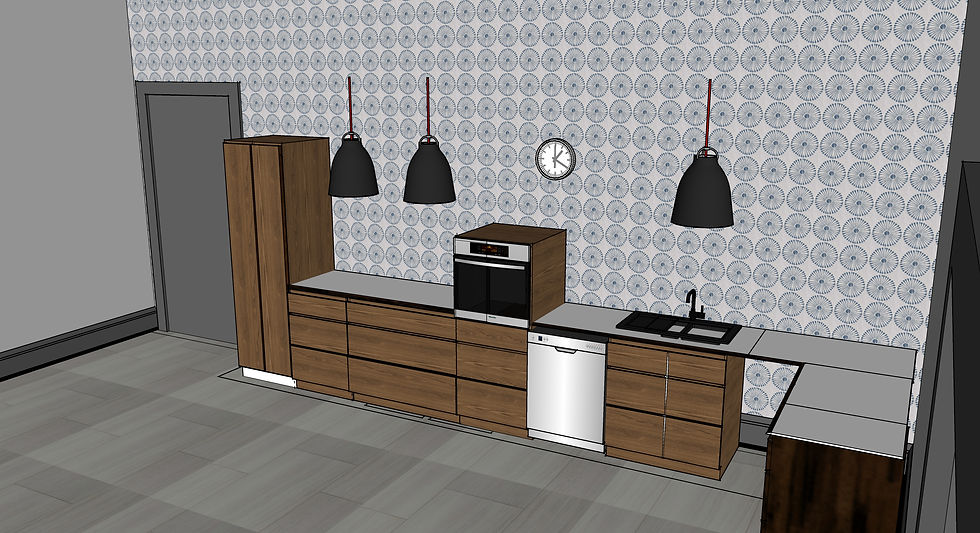
Church Kitchenette
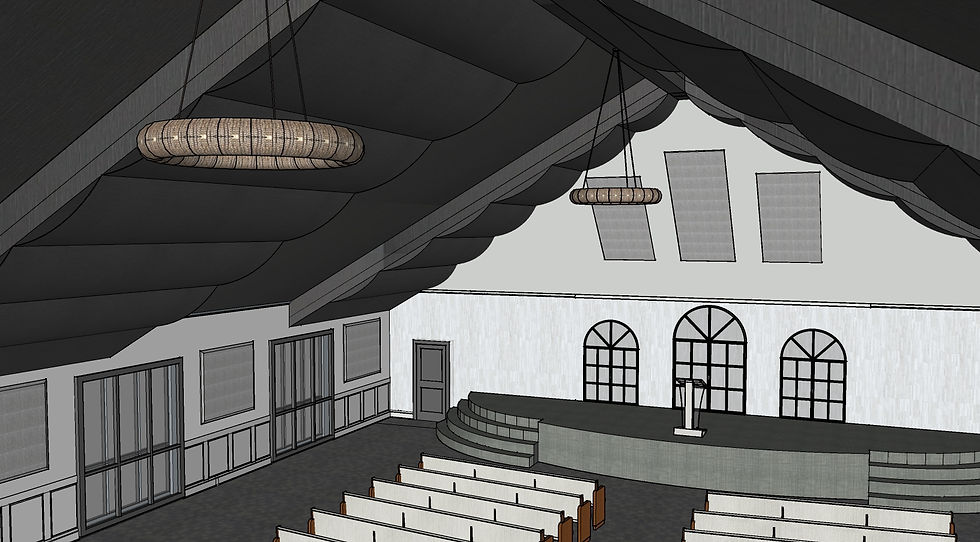
Sanctuary
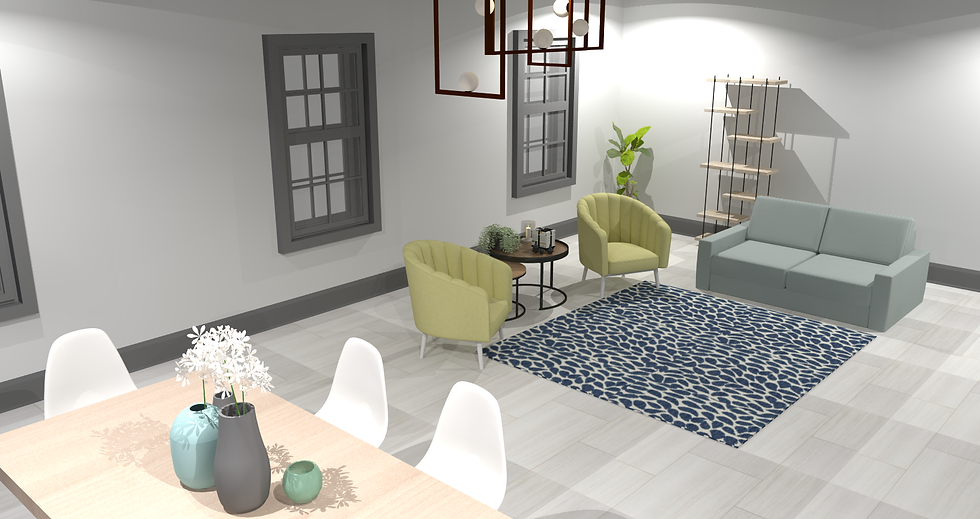
Podium Rendered Lounge
SKETCHUP
CHURCH
ANIMATION
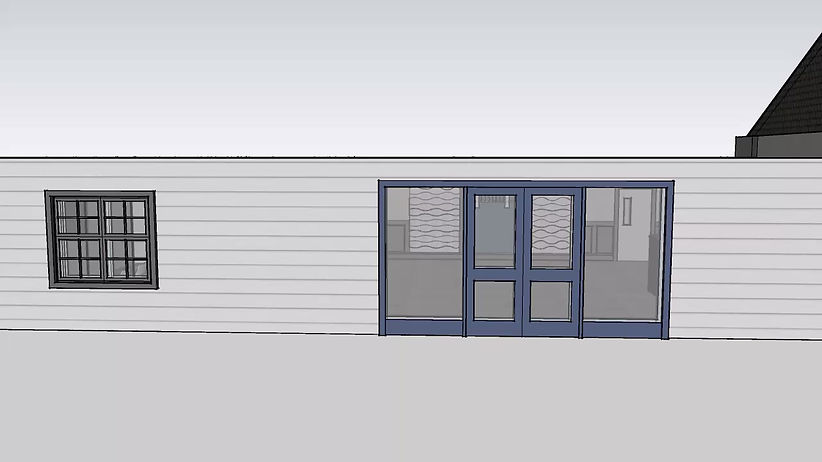
As this assignment was my first time making a fly through animation, the objective of the project was to create an animation to become familiar with the tool and skill.
REVIT
CHURCH
MODEL
The goal of the revit church project was to recreate our Sketchup church design using Revit. Although the designs did not have to be identical, they were to be similar. This project included the floor plan and FF&E, while excluding the millwork done in Sketchup
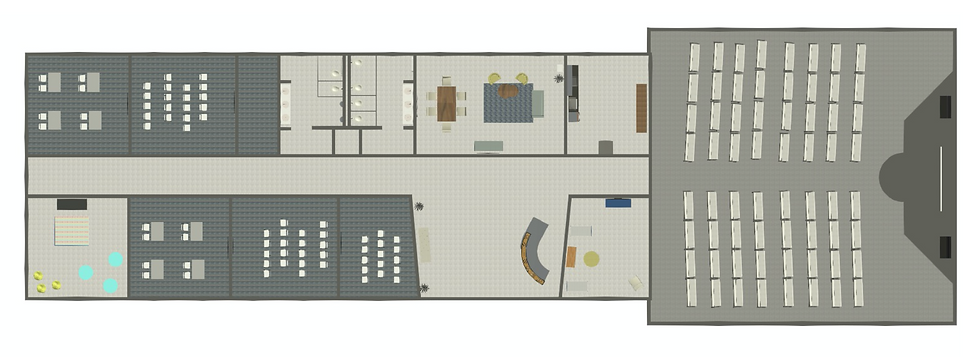
Revit Floor Plan
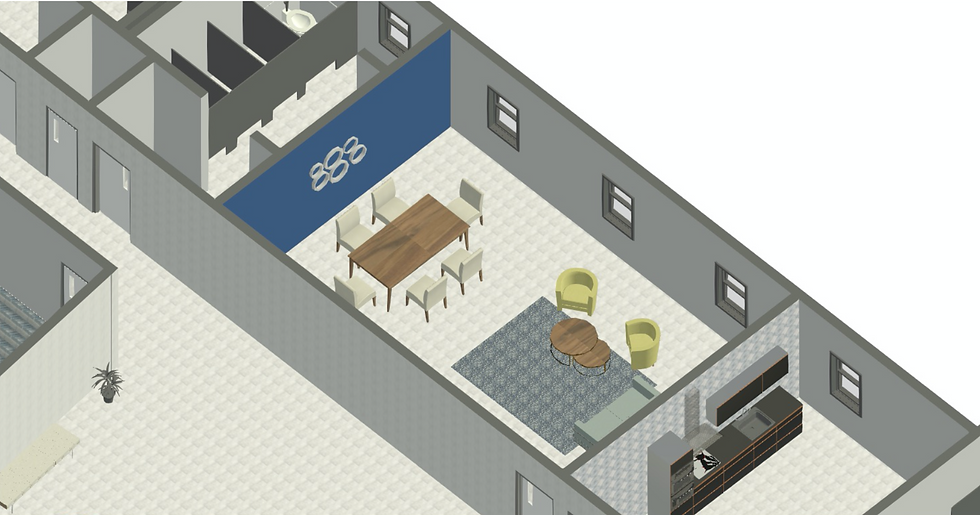
Revit Lounge
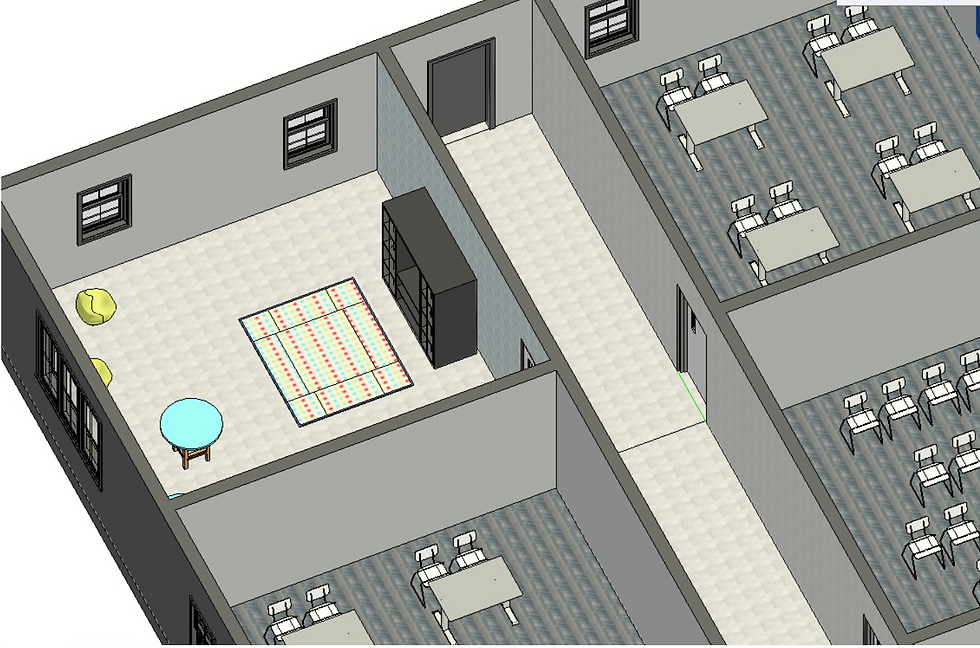
Revit Classrooms
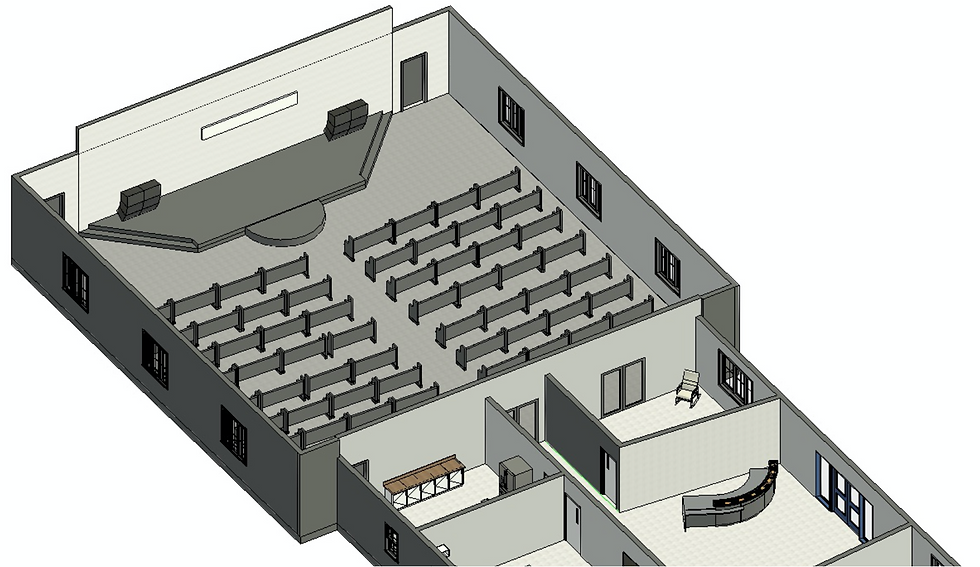
Revit Sanctuary
REVIT
CHURCH
SHEETS
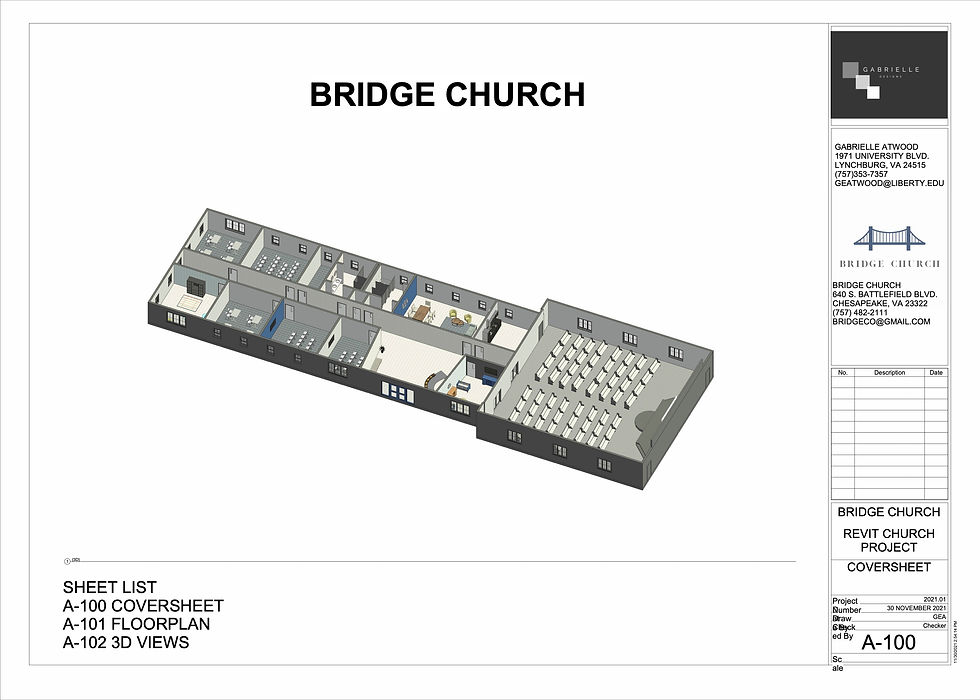
A-100 COVERSHEET
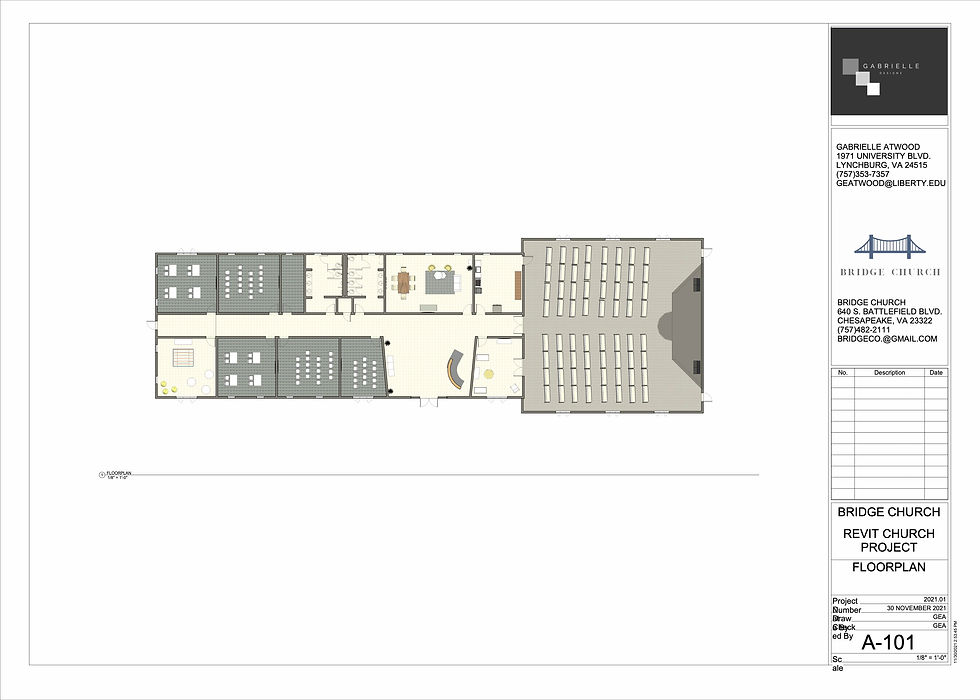
A-101 FLOORPLAN
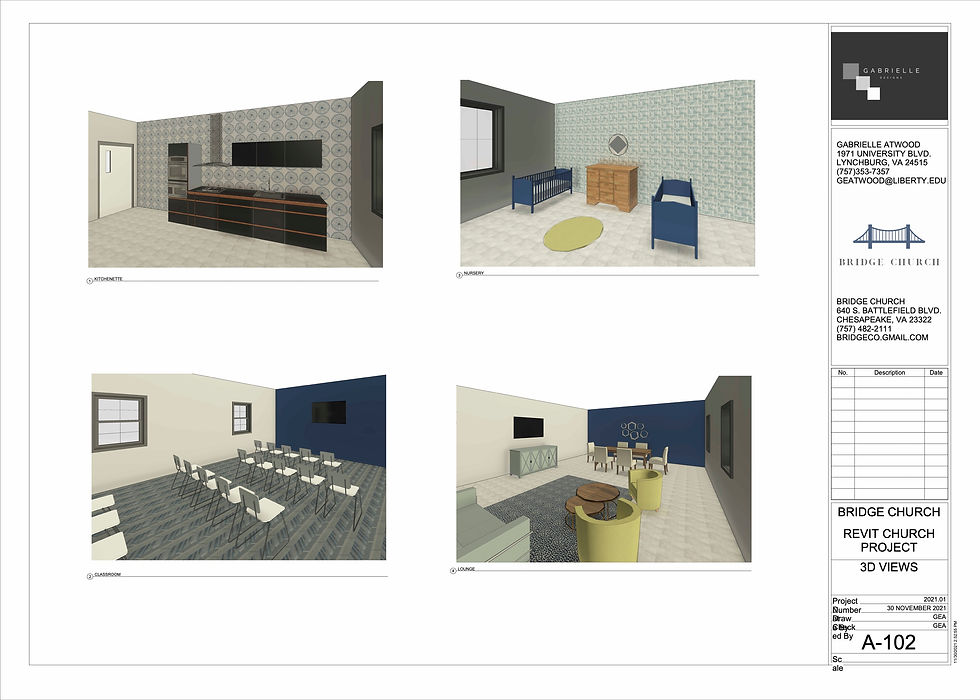
A-102 3D VIEWS
revit
church
animation
bottom of page